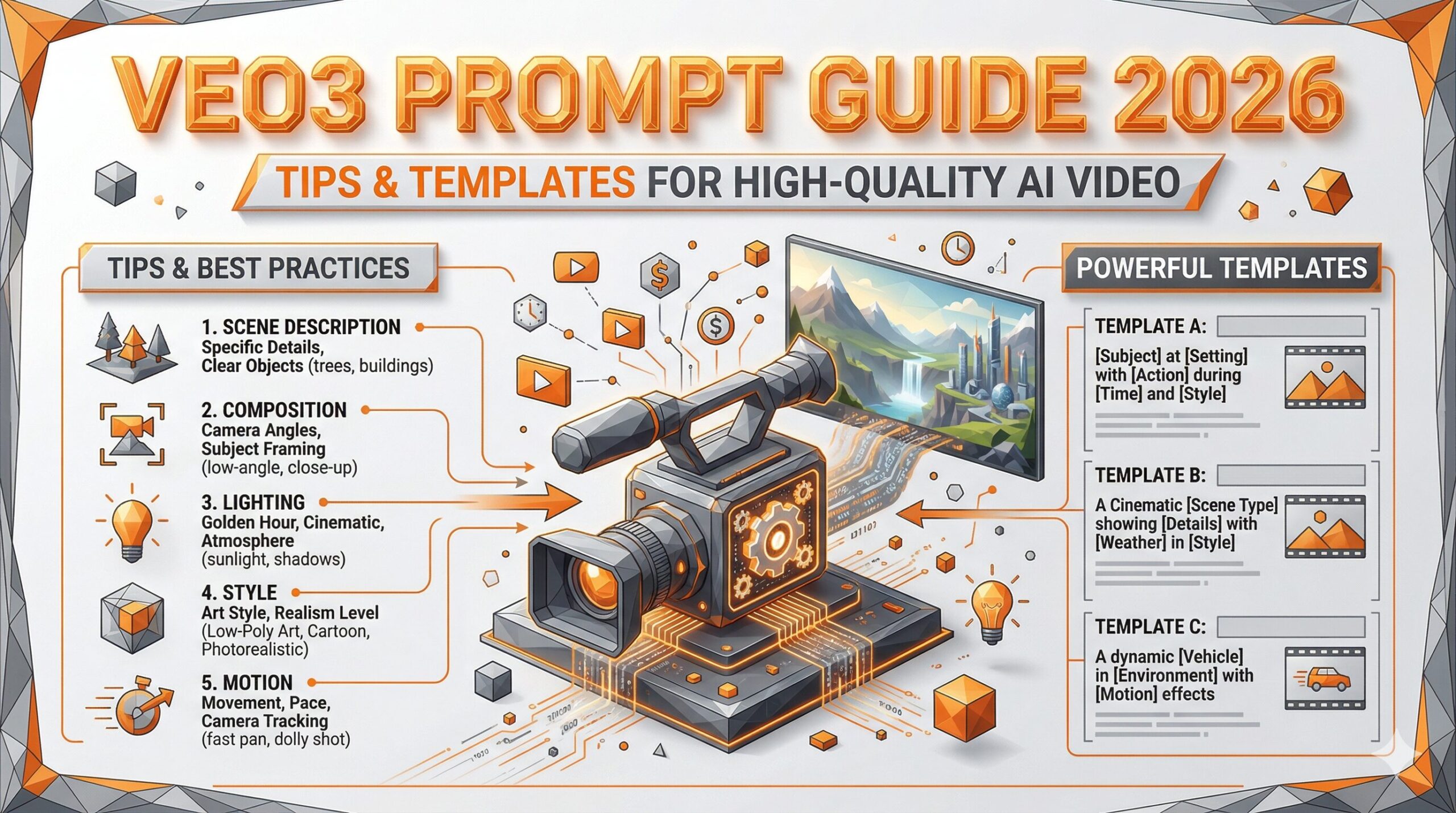
Writing effective prompts is the single most important skill for getting great results from Google Veo3. This guide covers the optimal prompt structure, proven templates, and advanced techniques for generating cinematic-quality videos.
For a full overview of Veo3’s features, see our Google Veo3 Review & Features Guide.
Veo3 Prompt Structure
The Core Formula
[Subject & Action] + [Setting / Environment] + [Camera Movement] + [Visual Style] + [Lighting] + [Audio Description]
The addition of an audio description is unique to Veo3 — it’s the only major AI video generator with native audio synthesis.
Full Example
A young woman walks through a sunlit forest, branches casting dappled light on her face, camera slowly tracking from the side, cinematic style, golden hour lighting, sounds of birds chirping and leaves rustling in a gentle breeze
Camera Movement Keywords
| Camera Type | Keyword to Use | Effect |
|---|---|---|
| Zoom in | dolly in / zoom in slowly | Creates intimacy, focus |
| Zoom out | dolly out / pull back | Reveals scale, context |
| Pan | pan left / pan right | Follows action horizontally |
| Tilt | tilt up / tilt down | Reveals height or depth |
| Orbit | orbit around / arc shot | 360° reveal of subject |
| Tracking | camera tracking alongside | Follows moving subject |
| Aerial | aerial view / drone shot | Top-down or bird’s-eye |
| Handheld | handheld, slight shake | Docufilm / raw realism |
| Static | static camera, no movement | Stable, composed shot |
Style Keywords That Work Well
Cinematic / Film Styles
- Hollywood blockbuster: cinematic, dramatic lighting, film grain, anamorphic lens flare
- Indie film: natural lighting, desaturated tones, handheld camera, intimate framing
- Documentary: observational style, natural light, no camera movement, realistic
- Film noir: black and white, strong shadows, venetian blind light patterns, moody
Visual / Art Styles
- Anime: anime style, vibrant colors, expressive characters, detailed backgrounds
- Watercolor: soft watercolor painting style, gentle brushstrokes, pastel palette
- 3D render: photorealistic 3D CGI, Pixar-style, studio lighting
Prompt Templates by Scene Type
Nature & Landscape
Towering waves crashing against sea cliffs at sunset, golden orange sky, aerial drone shot slowly pulling back to reveal the full coastline, epic cinematic style, sounds of roaring ocean and wind
Urban & Street
A crowded Tokyo street at night, rain-soaked asphalt reflecting neon signs, slow tracking shot following a pedestrian with an umbrella, film noir aesthetic, sounds of rain, distant traffic, and city ambiance
Nature / Wildlife
A lone wolf standing on a snow-covered mountain ridge at dawn, mist rolling through the valley below, static wide shot, ethereal blue light, complete silence except for a faint wind
Character / Portrait
A middle-aged chef in a professional kitchen, intense focus while plating a dish, close-up dolly shot slowly pushing in, warm tungsten lighting, sounds of sizzling and clinking plates
Fantasy / Sci-Fi
A massive alien spacecraft descending through storm clouds over a futuristic city, slow crane shot looking up, dramatic lightning, cinematic VFX style, thunderous rumbling sounds and distant alarms
Audio Prompt Tips (Veo3 Exclusive)
Veo3 generates synchronized audio based on descriptions in your prompt. Here’s how to get the most out of it:
Effective Audio Descriptions
- Be specific: Instead of “city sounds,” write “distant traffic, honking horns, and the hum of an air conditioner”
- Match the mood: Quiet scenes benefit from subtle ambient sounds; action scenes from impactful SFX
- Add music cues: “soft melancholic piano melody in the background” or “energetic electronic music beat”
Lip Sync Prompts
A news anchor at a desk speaking directly to camera: "Breaking news — scientists have made a major discovery." Professional studio lighting, static camera, clear audio.
Troubleshooting Common Issues
Motion feels unnatural or jittery: Specify camera movement explicitly (e.g., “smooth dolly in”) and add “steady camera” or “stabilized shot.”
Characters look inconsistent: Describe physical features in detail at the start of the prompt: age, hair color, clothing, expression.
Audio doesn’t match the visuals: Place audio descriptions at the end of your prompt and be specific. Vague audio cues (like “ambient sounds”) yield generic results.
Frequently Asked Questions
Q: English or Japanese — which gives better results?
A: English consistently produces better results. Veo3 is primarily trained on English content.
Q: How long should my prompt be?
A: Aim for 2–4 sentences. Too short and the results are vague; too long and Veo3 may lose track of key details.
Q: Can I re-use a prompt to get different results?
A: Yes — each generation uses a different random seed, so the same prompt will produce variations. You can also add “seed:” with a specific value if the interface supports it.
Q: Does adding more detail always improve quality?
A: Not always. Over-specifying conflicting elements (e.g., “wide shot” + “extreme close-up”) can confuse the model. Focus on the most important 3–4 visual elements.
\ この記事を読んだあなたにおすすめ /
🎁 AI動画ツール完全カタログ
PDF32ページ 無料プレゼント
Sora・Kling・Runway・Veo の最新活用法を32ページにまとめた
無料カタログ+AI診断アプリ付き
Comments