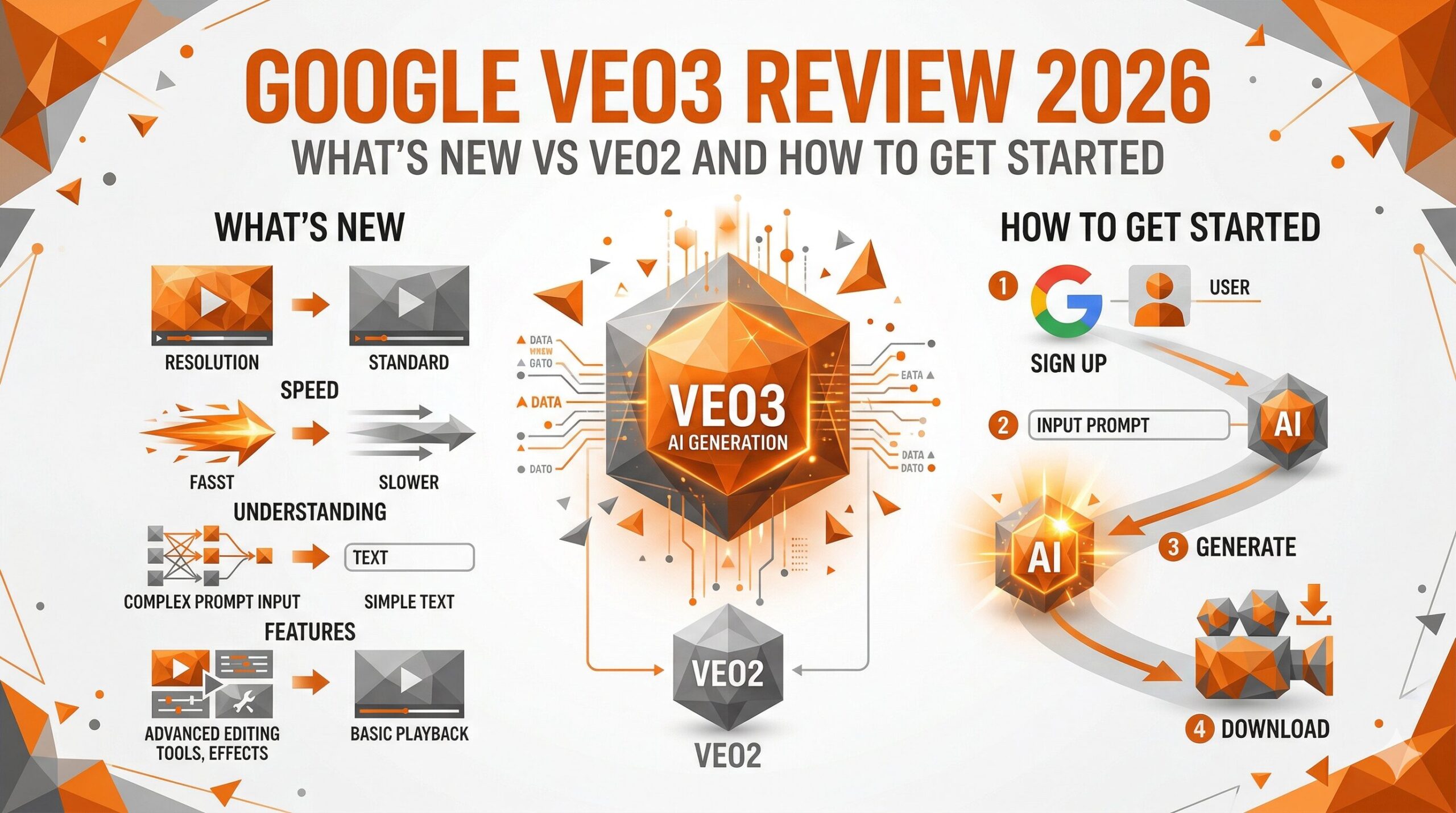
Google’s Veo3 represents a significant leap in AI video generation. Released in 2026, it introduces native audio generation, higher motion realism, and improved cinematic control compared to Veo2.
For pricing details, see our Veo Pricing Plans | Free Tier vs. Google One AI Premium.
Veo3 vs. Veo2: What’s Changed
| Feature | Veo2 | Veo3 |
|---|---|---|
| Audio Generation | Not supported | ✅ Native audio (SFX, dialogue, music) |
| Video Quality | High (1080p) | Higher (1080p+ with improved detail) |
| Motion Realism | Good | Significantly improved physics & movement |
| Camera Control | Basic | 13 camera movement types |
| Lip Sync | Limited | ✅ Full lip sync support |
| Access | Google One AI Premium | Google One AI Premium / Gemini Enterprise |
How to Access Veo3
Veo3 is available through two main access points:
1. Google AI Studio / Gemini App
- Requires Google One AI Premium subscription ($19.99/month)
- Access via gemini.google.com
- Limited monthly generation quota
2. Vertex AI (Google Cloud)
- API access for developers and enterprises
- Pay-per-use pricing based on video duration
- Suitable for production workflows and integrations
Veo3’s New Features Explained
Native Audio Generation
Veo3’s most notable new feature is the ability to generate synchronized audio alongside video. This includes:
- Sound effects — environmental sounds that match the visuals (rain, footsteps, crowd noise)
- Dialogue — characters can speak, with lip sync automatically applied
- Background music — ambient music that matches the mood of the scene
Improved Camera Control (13 Types)
Veo3 supports explicit camera movement instructions in prompts:
- Dolly in / Dolly out
- Pan left / Pan right
- Tilt up / Tilt down
- Orbit / Arc shot
- Crane up / Crane down
- Tracking shot
- Static / Handheld
Enhanced Physics & Motion Realism
Water, fire, cloth, and hair now move with significantly more realistic physics compared to Veo2. Crowd scenes and complex multi-subject compositions also show improved coherence.
How to Generate Your First Veo3 Video
- Open gemini.google.com or Google AI Studio
- Ensure you have an active Google One AI Premium subscription
- Select “Generate video” or “Veo” in the interface
- Enter your text prompt (or upload an image for image-to-video)
- Click “Generate” and wait 1–3 minutes
- Download your video (MP4 format)
Veo3 vs. Competitors
| Veo3 | Sora (OpenAI) | Kling AI | Runway Gen-3 | |
|---|---|---|---|---|
| Audio Generation | ✅ Native | ❌ | ❌ | ❌ |
| Max Duration | ~8 sec | 20 sec | 3 min | 10 sec |
| Lip Sync | ✅ | Limited | ✅ | ❌ |
| Camera Control | 13 types | Moderate | Good | Good |
| Access | Google One AI | ChatGPT Plus/Pro | Free + paid | Free + paid |
Frequently Asked Questions
Q: Is Veo3 free to use?
A: Veo3 requires a Google One AI Premium subscription ($19.99/month) for access via the Gemini app. Vertex AI access is billed per generation.
Q: How long can Veo3 videos be?
A: Currently up to approximately 8 seconds per generation. Longer videos require multiple generations.
Q: Does Veo3 support Japanese language prompts?
A: Yes, but English prompts generally yield more precise results. For best results, write prompts in English.
Q: Can I use Veo3 videos commercially?
A: Content generated via Google One AI Premium includes a commercial use license for personal and small business use. Enterprise use via Vertex AI includes commercial rights subject to Google’s terms.
\ この記事を読んだあなたにおすすめ /
🎁 AI動画ツール完全カタログ
PDF32ページ 無料プレゼント
Sora・Kling・Runway・Veo の最新活用法を32ページにまとめた
無料カタログ+AI診断アプリ付き
Comments